🛒 How to Order Custom Products from Flashbay
Ordering custom products from Flashbay is a bit different from normal online shopping. Instead of directly adding items to a cart, the process is guided, personalized, and design-focused—perfect for businesses that want branded products.
🔍 Step-by-Step Ordering Process
🧾 Step 1: Choose Your Product
First, go to Flashbay’s website and select the product category you want, such as:
- USB flash drives
- Power banks
- Water bottles
- Pens, bags, or apparel
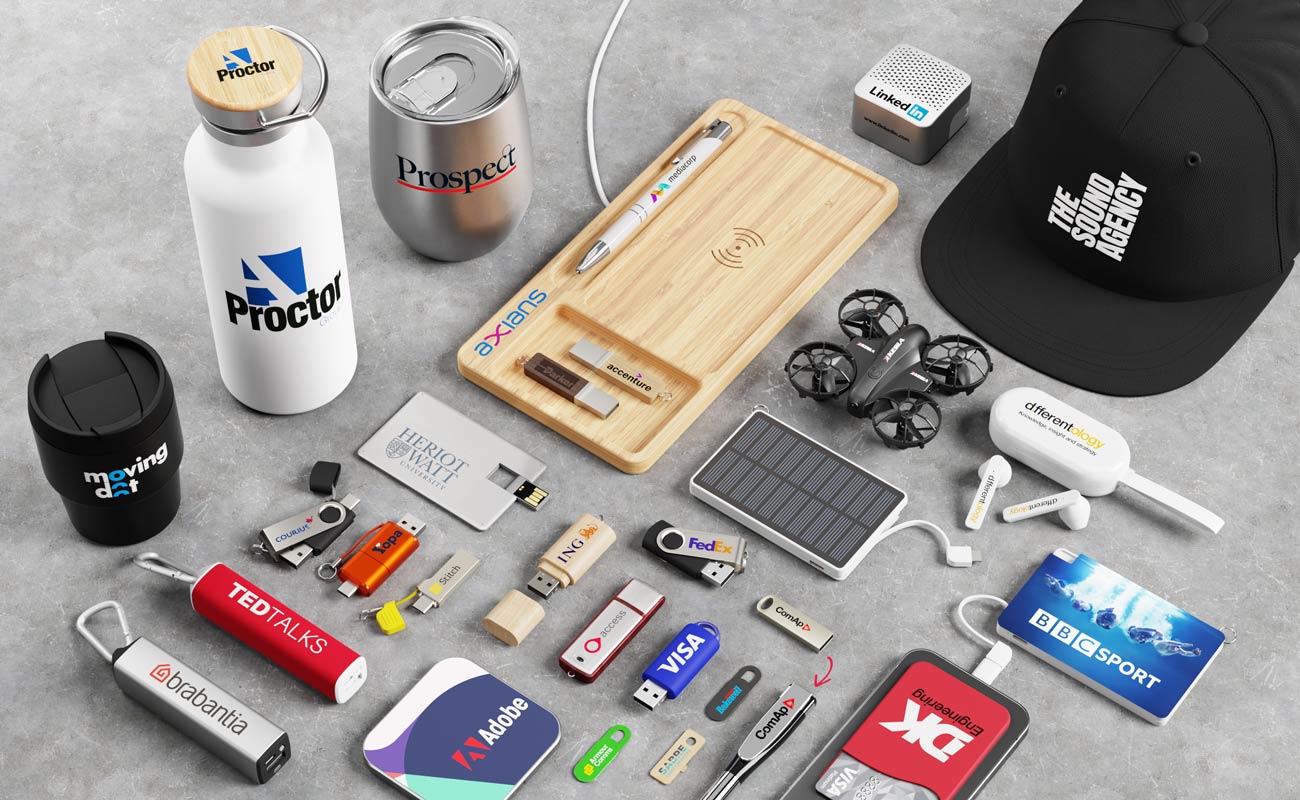
Flashbay offers custom-branded promotional products that can include your logo, slogan, or design.
📩 Step 2: Request a Quote
Instead of buying instantly, you need to:
- Fill out a Quick Quote form
- Provide details like:
- Product type
- Quantity
- Customization needs
👉 After submitting, Flashbay will send you:
- Pricing details
- Product options
- Samples (sometimes free)
- Design suggestions
🎨 Step 3: Submit Your Logo or Design
To customize your product:
- Upload your logo or artwork (preferably high-quality or vector format)
- Choose customization options:
- Printing
- Laser engraving
- Colors (Pantone matching available)
👉 This step ensures your branding looks professional.
🖼️ Step 4: Review the “Virtual Proof”
Flashbay will send you a Virtual Proof (a preview image of your product).
You can:
- Check how your logo looks
- Request changes
- Adjust colors or design
👉 You can ask for unlimited revisions before approval.
✅ Step 5: Confirm Your Order
Once you’re satisfied:
- Approve the virtual proof
- Confirm:
- Quantity
- Delivery address
- Billing details
You can order:
- Through your account dashboard
- Or via your dedicated account manager
💳 Step 6: Make Payment
After placing your order:
- You’ll receive payment instructions via email
- Payment options include:
- Credit card
- Bank transfer
👉 Orders are processed after payment is received (unless you have credit terms).
🏭 Step 7: Production & Customization
Once approved:
- Flashbay starts manufacturing your products
- Your logo is printed or engraved
- Products are assembled and customized
👉 Production follows your approved design exactly.
🔍 Step 8: Quality Check
Before shipping:
- Every product goes through quality control
- Both:
- Functionality
- Design accuracy
are checked
👉 This ensures high-quality final output.
🚚 Step 9: Shipping & Delivery
After quality approval:
- Your order is packaged and shipped
- You receive a tracking number
⏱️ Delivery time:
- Usually 5–8 working days after approval
📦 Minimum Order Requirement
- Typically starts from 10 units for popular products
- Some items may require higher quantities
👉 This makes it suitable for small businesses too.
💡 Extra Customization Options
Flashbay also offers advanced features like:
- Data preloading (for USBs)
- Individual naming (unique name on each item)
- Custom packaging
- Color matching
👉 These features help businesses create premium branded merchandise.
🎯 Why Businesses Choose Flashbay
- ✔ Dedicated account manager support
- ✔ Fast production (around 5–6 days)
- ✔ High-quality branding options
- ✔ Low minimum order quantities
- ✔ Free samples available
🧠 Final Summary
Ordering from Flashbay is simple but structured:
- Choose product
- Request quote
- Submit logo
- Review virtual proof
- Confirm order
- Pay
- Production
- Quality check
- Delivery
👉 Simple answer:
Flashbay makes custom product ordering easy by guiding you step-by-step with design previews, expert support, and fast delivery.